

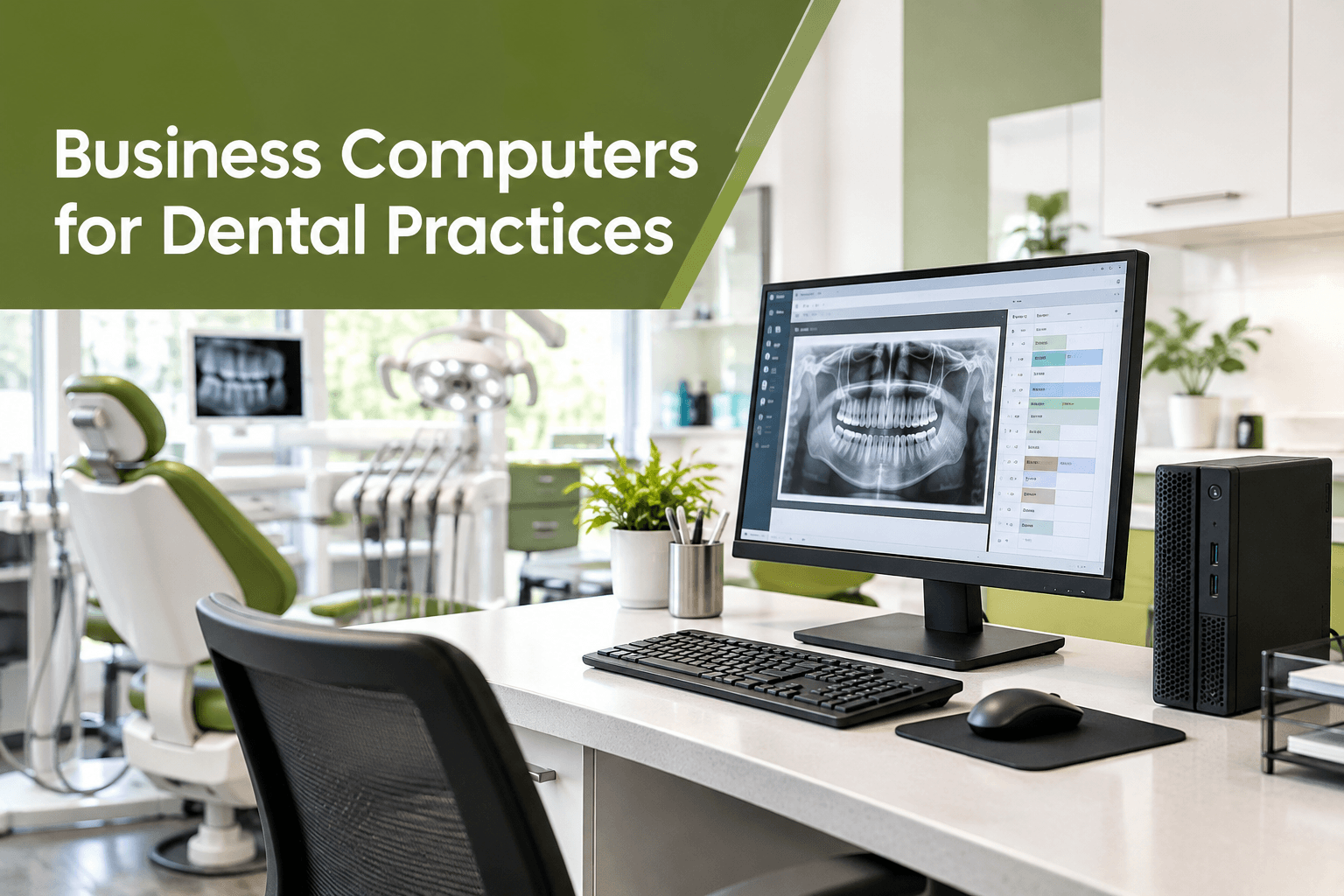

Modern dental practices depend on technology to manage appointments, maintain patient records, capture digital X-rays, and streamline daily operations. As a result, choosing the right computers is essential for providing efficient patient care and maintaining a productive workplace. However, not every computer is designed to handle the demanding requirements of a dental clinic.
Business-grade computers for dental practices offer the reliability, security, and performance needed to support specialized dental software and sensitive patient information. By investing in the right hardware, dental clinics can reduce downtime, improve workflow efficiency, and protect critical business data. MVP IT helps businesses in Calgary and Edmonton make informed technology decisions that support their operational needs.
Why Dental Practices Need Business-Grade Computers
Unlike ordinary home computers, business-grade systems are designed for professional environments where reliability and consistent performance matter. Dental practices often run several applications simultaneously, including practice management software, digital imaging tools, scheduling systems, and accounting programs.
Consequently, underpowered or outdated computers can slow down essential tasks and interrupt patient appointments.
Business-grade systems typically offer more dependable components, longer manufacturer support options, business-oriented security features, and better compatibility with professional software. Furthermore, many models provide easier maintenance and more consistent hardware configurations across multiple workstations.
For dental clinics, these advantages help create a stable technology environment that supports both staff productivity and patient satisfaction.
Key Features to Consider When Choosing Dental Office Computers
1. Processing Power and Memory
First, evaluate the computer’s processor and memory based on the applications your practice uses. Basic front-desk tasks may require fewer resources than digital imaging, 3D visualization, or other demanding clinical applications.
For many general-purpose dental workstations, a modern business-class processor and 16 GB of RAM provide a practical starting point. However, imaging-intensive systems may benefit from 32 GB of RAM or more, depending on the software manufacturer’s requirements.
Additionally, choose a solid-state drive (SSD) for faster startup times, responsive applications, and improved everyday performance. Always confirm the recommended specifications for your dental software before purchasing new hardware.
2. Compatibility With Dental Software and Imaging Systems
Next, verify that each computer supports your existing dental practice management software, digital radiography equipment, intraoral scanners, and other connected devices.
Some imaging systems require specific operating system versions, drivers, ports, or hardware configurations. Therefore, checking compatibility before upgrading can prevent installation problems and unexpected expenses.
MVP IT can help dental practices assess their existing infrastructure and select business-grade computers that align with their software and equipment requirements.
3. Security and Patient Data Protection
Protecting patient information is another essential consideration. Dental clinics handle sensitive records, making cybersecurity a priority rather than an optional feature.
Look for computers with supported operating systems, hardware-based security features, secure boot capabilities, and business management tools. In addition, implement multi-factor authentication where appropriate, endpoint protection, automatic security updates, and role-based access controls.
Regular backups are equally important. A reliable backup strategy, combined with tested recovery procedures, can help minimize disruption if a computer fails or a cyber incident occurs.
4. Reliability, Warranty, and Support
Computer problems can affect appointments, billing, and clinical workflows. For this reason, prioritize business systems with dependable warranties, available replacement parts, and suitable technical support options.
Moreover, consider the total cost of ownership rather than the initial purchase price alone. A less expensive computer may become more costly if it requires frequent repairs or cannot run essential software efficiently.
Working with an experienced IT provider such as MVP IT can help your practice plan hardware purchases, manage maintenance, and reduce avoidable downtime.
Desktop Computers vs. Business Laptops for Dental Clinics
The best device depends on how and where your team works.
Desktop computers are often ideal for reception desks, administrative offices, and fixed clinical workstations. They typically offer flexible connectivity, easier upgrades, and good performance for the price.
On the other hand, business laptops provide portability for consultations, treatment planning, and meetings. They can also support flexible working arrangements when staff need secure access to approved systems from different locations.
For many clinics, a combination of desktops and laptops offers the most practical solution. Nevertheless, every device should meet the clinic’s security, performance, and software compatibility requirements.
Planning a Cost-Effective Dental IT Upgrade
Before replacing your computers, assess the age, performance, and condition of your current equipment. Identify workstations that regularly experience slowdowns, cannot support required software, or no longer receive security updates.
Next, prioritize upgrades according to clinical importance and operational risk. For example, computers connected to digital imaging equipment may need attention before secondary administrative devices.
Additionally, establish a realistic budget that includes hardware, installation, software licensing, data migration, and ongoing support. Standardizing equipment across the clinic can also simplify troubleshooting and future upgrades.
MVP IT supports organizations in Calgary and Edmonton with practical IT solutions designed around business requirements. A structured upgrade plan helps dental practices invest strategically without replacing every computer unnecessarily.
Frequently Asked Questions
1. What are the best computers for dental practices?
Business-class desktops and laptops from established manufacturers are suitable options. The right choice depends on dental software requirements, imaging workloads, security needs, and budget.
2. How much RAM does a dental office computer need?
For many general-purpose workstations, 16 GB is a reasonable starting point. However, imaging-intensive applications may require 32 GB or more, so check the software vendor’s recommendations.
3. How often should dental practice computers be replaced?
Many clinics review their computers every three to five years. Actual replacement timing depends on performance, warranty coverage, operating system support, security requirements, and maintenance costs.
4. Why is cybersecurity important for dental computers?
Dental computers may store or access confidential patient information. Strong access controls, supported software, endpoint protection, and reliable backups help reduce security risks and support business continuity.
5. Can MVP IT help with dental computer upgrades?
MVP IT can help dental practices evaluate their IT needs, plan hardware upgrades, and identify suitable business technology solutions. Contact the team to discuss your clinic’s requirements.
Choose Reliable Dental IT Solutions With MVP IT
Choosing business-grade computers for dental practices is an investment in productivity, security, and dependable patient care. By evaluating performance, software compatibility, data protection, and long-term support, dental clinics can build a technology environment that meets their current needs while preparing for future growth.
MVP IT helps businesses make informed IT decisions and develop practical technology solutions. Whether you are upgrading reception workstations, replacing clinical computers, or planning a wider infrastructure refresh, expert guidance can make the process more efficient.
Contact MVP IT today to discuss reliable dental IT services and business-grade computer solutions for your practice.
Calgary Office: 3850 19 St NE, Bay 5, Calgary, AB T2E 6V2
Edmonton Office: 14065 Victoria Trail NW, #211, Edmonton, AB T5Y 2B6
Phone: (587) 585-6871
Visit MVP IT to explore IT support options and find the right technology solutions for your dental practice.