

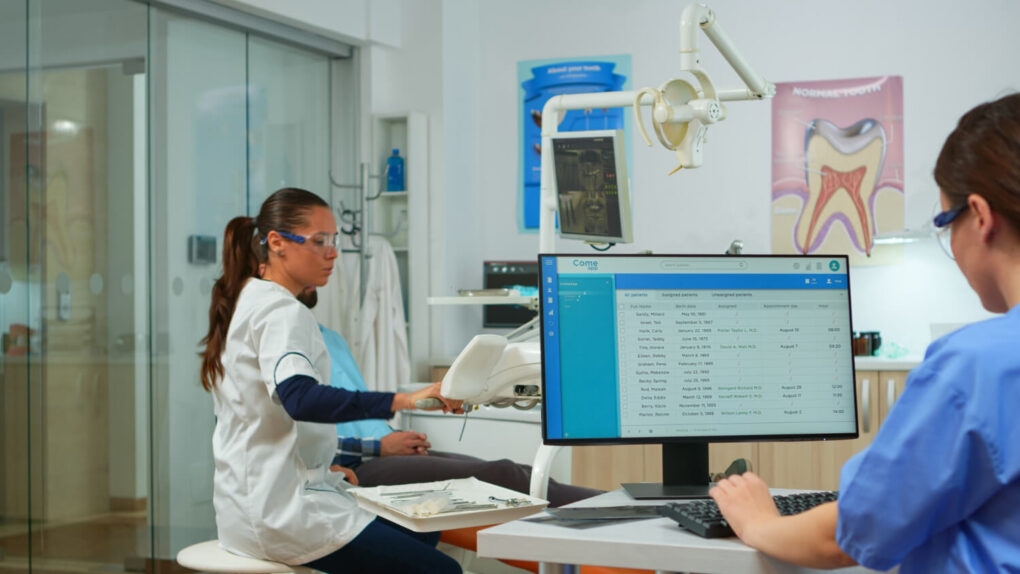

Technology continues to transform the way dental practices operate. Today, everything from digital X-rays and patient records to appointment scheduling and billing depends on reliable IT systems. As a result, maintaining secure, efficient, and up-to-date technology has become essential for delivering excellent patient care. Moreover, as cyber threats become more sophisticated and compliance requirements continue to evolve, dental clinics must take a proactive approach to IT management.
A comprehensive Dental Office IT Checklist helps ensure your practice stays secure, minimizes downtime, and supports long-term growth. Whether you’re opening a new clinic or upgrading your existing infrastructure, following this checklist will help prepare your practice for success in 2026. With the support of MVP IT, you can confidently manage your technology while focusing on providing exceptional patient care.
Why Every Dental Practice Needs an IT Checklist
Dental offices rely on multiple technology systems every day. Electronic patient records, digital imaging software, payment processing, communication tools, and cloud applications all work together to support daily operations. However, if one system fails, it can disrupt appointments, delay treatments, and impact the patient experience.
Therefore, having a structured IT checklist helps your practice stay organized and prepared. It enables your team to identify potential issues before they become costly problems while improving overall efficiency.
A well-maintained IT environment helps your dental practice:
- Improve cybersecurity
- Reduce unexpected downtime
- Protect sensitive patient information
- Maintain compliance with privacy regulations
- Increase staff productivity
- Support future business growth
Furthermore, partnering with an experienced managed IT provider like MVP IT ensures your technology receives continuous monitoring and expert support throughout the year.
Secure Your Network Infrastructure
Your network serves as the backbone of your entire dental practice. Without a reliable and secure network, critical systems cannot function efficiently.
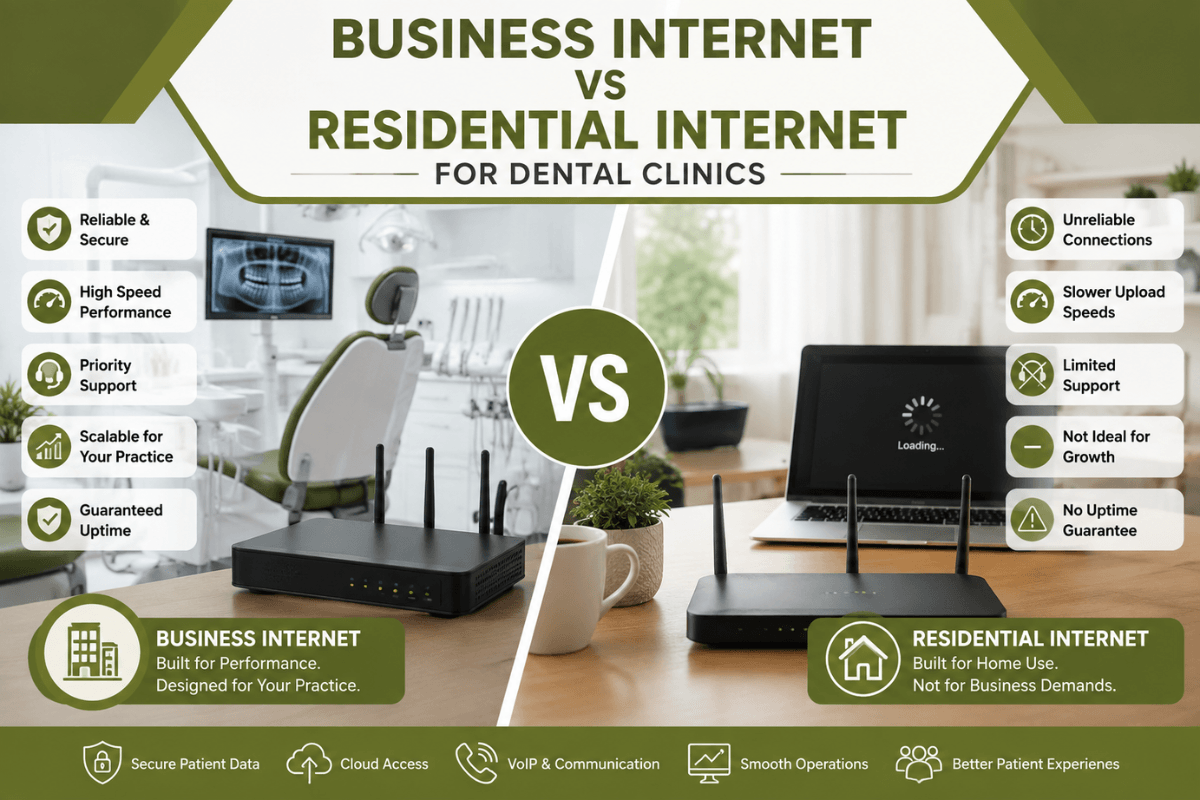
Upgrade Business-Grade Networking Equipment
First, evaluate your routers, switches, wireless access points, and firewalls. Older networking equipment often struggles to support today’s cloud applications, digital imaging systems, and practice management software. Therefore, replacing outdated hardware improves speed, reliability, and security.
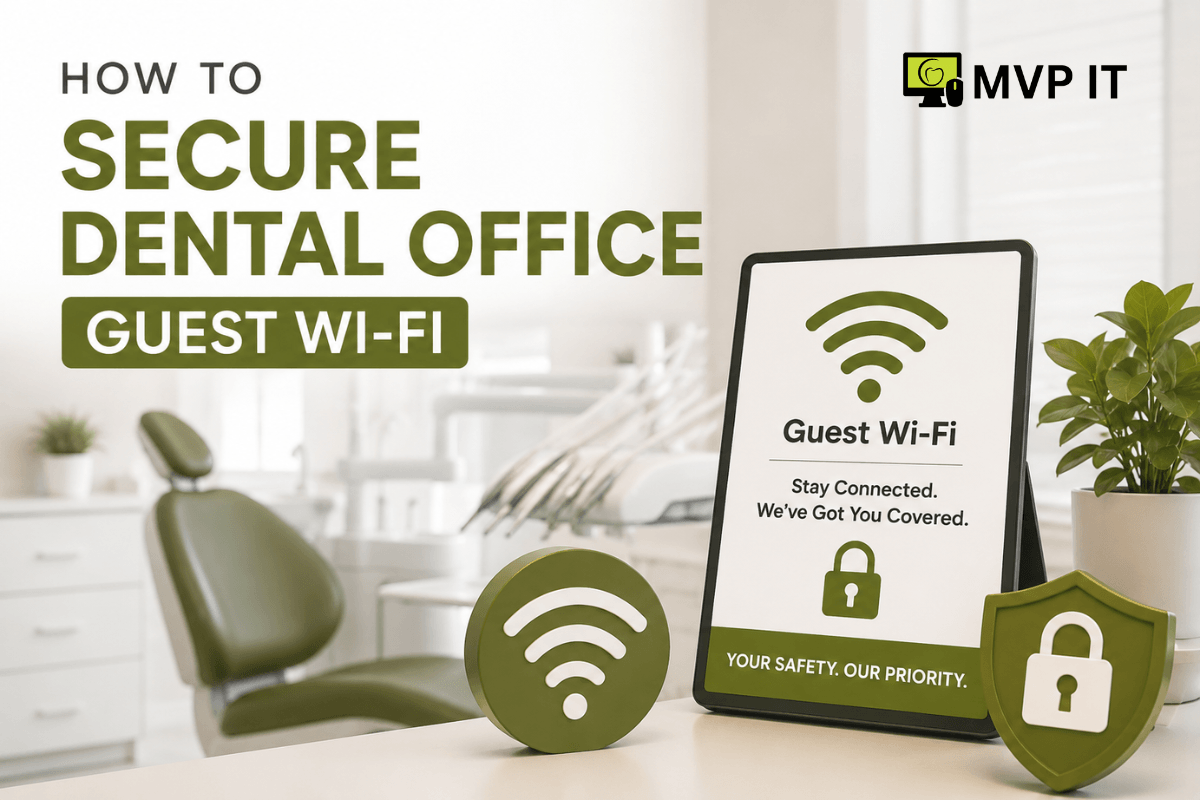
Separate Guest and Clinical Networks
Next, create separate Wi-Fi networks for patients and staff. By doing so, patient devices remain isolated from your clinical systems, reducing the risk of unauthorized access.
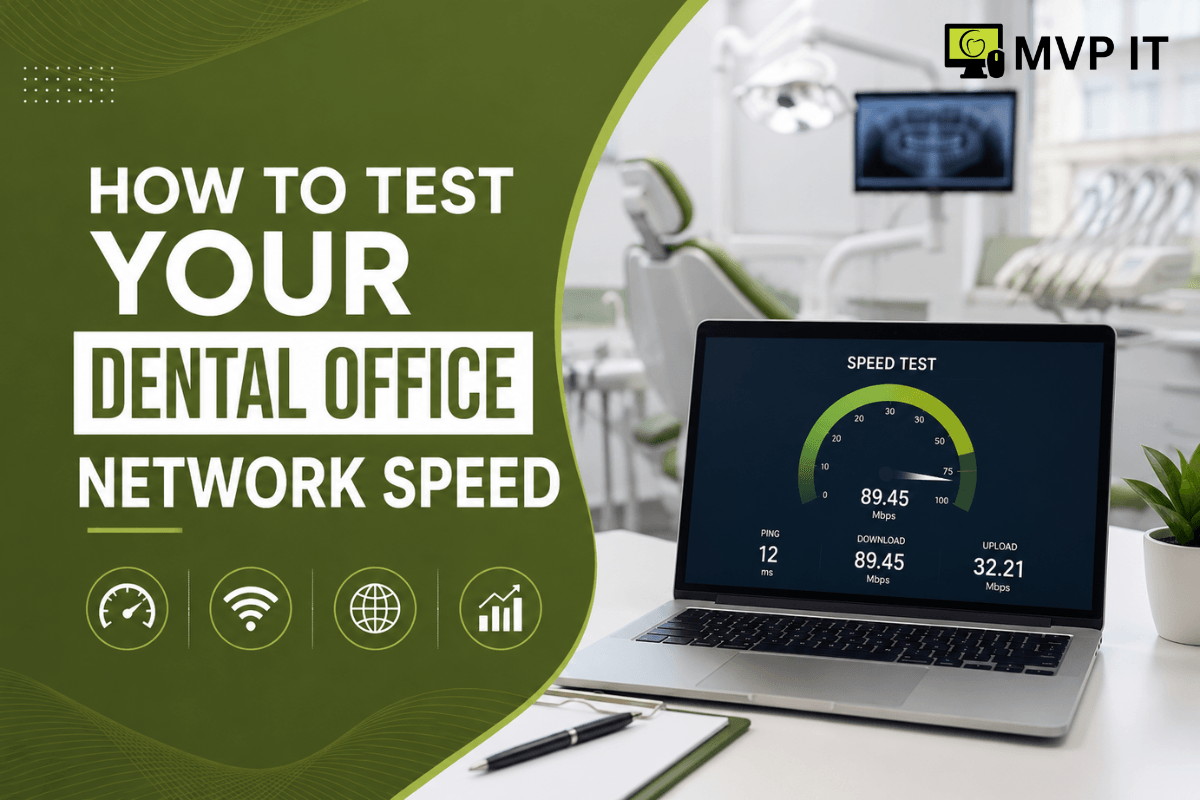
Monitor Network Performance
Additionally, proactive network monitoring identifies potential issues before they affect daily operations. As a result, your practice experiences fewer interruptions and improved productivity.
Strengthen Your Cybersecurity
Cybersecurity should be one of the highest priorities for every dental practice. Unfortunately, healthcare organizations continue to be common targets for ransomware attacks, phishing scams, and data breaches.
Enable Multi-Factor Authentication
To begin with, require multi-factor authentication (MFA) for email accounts, remote access, cloud applications, and administrative logins. This additional layer of security significantly reduces unauthorized access.
Install Advanced Endpoint Protection
In addition, every workstation, laptop, and server should have modern endpoint protection that includes antivirus, anti-malware, ransomware detection, and real-time threat monitoring.
Keep Software Updated
Likewise, regularly updating operating systems, dental software, and third-party applications helps eliminate security vulnerabilities before attackers can exploit them.
With proactive cybersecurity services from MVP IT, your dental practice remains protected against evolving cyber threats while maintaining business continuity.
Verify Your Backup and Disaster Recovery Plan
Patient records are among your practice’s most valuable assets. Consequently, losing important data because of hardware failure, ransomware, or accidental deletion can severely disrupt operations.
Schedule Automated Daily Backups
First and foremost, configure automatic backups for patient records, financial information, digital imaging files, and practice management databases.
Use Cloud Backup Solutions
In addition, cloud backups provide an extra layer of protection if local equipment becomes damaged or unavailable.
Test Disaster Recovery Procedures
Equally important, regularly test your backup restoration process. After all, backups only provide value if they can be restored quickly during an emergency.
Keep Dental Software Updated
Practice management software, imaging platforms, billing systems, and communication tools must work together efficiently. Therefore, reviewing software performance should become a regular part of your IT maintenance schedule.
Your software checklist should include:
- Software licensing verification
- Version compatibility
- Performance optimization
- Vendor support availability
- System integration testing
Overall, routine maintenance helps prevent compatibility issues that interrupt patient care and office productivity.
Maintain Privacy and Regulatory Compliance
Although Canadian dental practices follow provincial privacy legislation instead of HIPAA, protecting patient information remains essential. Therefore, every dental office should implement strong security policies that safeguard confidential records.
Your compliance checklist should include:
- Data encryption
- Strong password policies
- Multi-factor authentication
- Secure email communication
- Employee cybersecurity awareness training
- User access controls
- Audit logging
Moreover, MVP IT helps dental practices implement security best practices that reduce compliance risks while improving overall data protection.
Evaluate Workstations and Clinical Equipment
Technology naturally becomes outdated over time. Consequently, aging computers and equipment may slow down daily operations or fail unexpectedly.
Review the condition of:
- Front desk computers
- Clinical workstations
- Digital X-ray systems
- Printers
- Scanners
- Tablets
- Backup power supplies (UPS)
Whenever possible, replace outdated equipment before it impacts patient care or staff productivity.
Train Your Team Regularly
Even the most advanced security solutions cannot eliminate human error. For this reason, ongoing employee training is an essential part of every Dental Office IT Checklist.
Teach Phishing Awareness
For example, employees should know how to recognize suspicious emails, fraudulent links, and fake login pages.
Promote Strong Password Habits
Similarly, encourage staff to create strong passwords and use password managers whenever appropriate.
Create an Incident Reporting Process
Finally, employees should understand exactly how to report suspicious activity immediately so IT professionals can respond quickly.
Ultimately, a well-trained team provides one of the strongest defenses against cybersecurity threats.
Plan for Future Growth
Technology should support your practice as it grows. Rather than reacting to problems, develop a long-term IT strategy that supports future expansion.
Consider investing in:
- Cloud computing
- VoIP phone systems
- Remote work capabilities
- AI-powered scheduling tools
- Advanced cybersecurity monitoring
- Business continuity planning
By working with MVP IT, your dental practice can confidently adopt new technologies while minimizing disruption and maximizing efficiency.
Why Choose MVP IT for Dental IT Services?
Managing IT internally can become time-consuming and expensive. Instead, partnering with an experienced managed IT provider allows your team to focus on patient care while technology experts handle your infrastructure.
MVP IT provides comprehensive IT services for dental practices, including:
- Managed IT Services
- Network Management
- Cybersecurity Protection
- Cloud Solutions
- Data Backup & Disaster Recovery
- Microsoft 365 Support
- Help Desk Services
- Proactive System Monitoring
Whether your practice is located in Calgary or Edmonton, MVP IT delivers responsive, reliable, and professional IT support tailored to the unique needs of dental clinics.
Calgary Office
3850 19 St NE Bay 5
Calgary, AB T2E 6V2
Edmonton Office
14065 Victoria Trail NW #211
Edmonton, AB T5Y 2B6
Phone: (587) 585-6871
Frequently Asked Questions
What is a Dental Office IT Checklist?
A Dental Office IT Checklist is a structured guide that helps dental practices maintain secure, efficient, and reliable technology systems. It includes network security, cybersecurity, backups, software updates, compliance, and hardware maintenance.
How often should a dental office review its IT systems?
Ideally, dental practices should perform quarterly IT assessments while continuously monitoring cybersecurity, backups, software updates, and network performance throughout the year.
Why are backups important for dental practices?
Backups protect patient records and business data from hardware failures, cyberattacks, accidental deletion, and natural disasters. As a result, your practice can recover quickly and continue serving patients.
What cybersecurity measures should every dental office implement?
Every dental office should use firewalls, antivirus software, multi-factor authentication, encrypted backups, employee cybersecurity training, endpoint protection, and continuous network monitoring.
How can MVP IT help dental practices?
MVP IT provides managed IT services, cybersecurity, cloud solutions, proactive monitoring, backup management, and ongoing technical support specifically designed to help dental practices operate securely and efficiently.
Conclusion
Technology plays a vital role in the success of every modern dental practice. By following a comprehensive Dental Office IT Checklist, your clinic can strengthen cybersecurity, improve operational efficiency, reduce downtime, protect sensitive patient information, and prepare for future growth.
Whether you’re upgrading your existing infrastructure or planning for expansion, MVP IT is your trusted technology partner. Our experienced team delivers proactive managed IT services, advanced cybersecurity solutions, reliable data backup, and ongoing technical support tailored specifically for dental practices.
Contact MVP IT today
If you’re ready to improve your dental practice’s technology, contact MVP IT today.
Calgary Office:
3850 19 St NE Bay 5, Calgary, AB T2E 6V2
Edmonton Office:
14065 Victoria Trail NW #211, Edmonton, AB T5Y 2B6
Phone: (587) 585-6871