


Introduction
Dental practices handle sensitive patient information every day, including medical histories, treatment plans, appointment details, insurance records, and billing information. Although email makes communication faster and more convenient, it can also expose confidential information when messages are not adequately protected. Therefore, dental offices need reliable email security to safeguard patient data and maintain trust.
Microsoft 365 email encryption for dental practices provides a practical way to protect confidential communications and reduce the risk of unauthorized access. With the right configuration, dental teams can communicate securely with patients, laboratories, insurance providers, and other healthcare professionals. At MVP IT, we help dental practices strengthen their IT security through dependable technology solutions tailored to their operational needs.
Why Email Encryption Matters for Dental Practices
Email encryption helps protect the contents of messages so unauthorized individuals cannot easily read sensitive information. This protection is particularly important for dental offices because their daily communications may contain personally identifiable information and confidential health records.
For example, a dentist might email a treatment plan or a document containing patient details to an insurance provider. Without appropriate safeguards, that information could be exposed through compromised accounts, intercepted communications, or accidental disclosure.
Moreover, Canadian dental practices must consider applicable privacy requirements, including Alberta’s Health Information Act where applicable and other relevant provincial or federal privacy laws. Encryption can support privacy and security obligations; however, it does not guarantee compliance on its own.
Consequently, dental offices should combine secure email practices with access controls, staff training, and appropriate data protection policies.
How Microsoft 365 Email Encryption Works
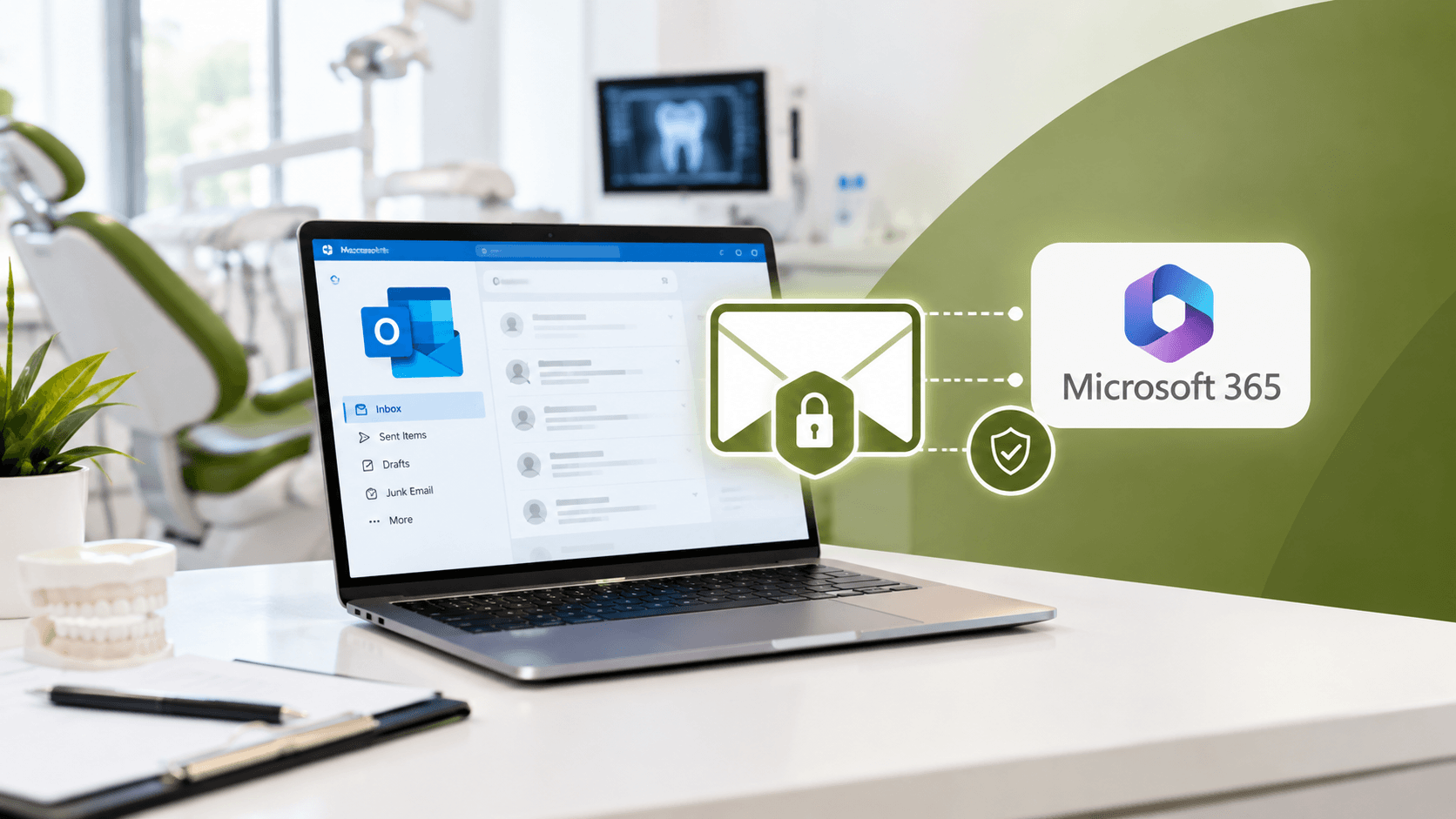
Microsoft 365 offers email protection capabilities that can help organizations safeguard confidential messages. Depending on the organization’s subscription, configuration, and enabled features, Microsoft Purview Message Encryption can allow users to send protected emails to recipients inside or outside their organization.
Protect Sensitive Patient Information
Encrypted messages help prevent unauthorized people from reading protected email content. As a result, dental teams can communicate more confidently when sharing sensitive documents and patient-related information.
Control Access to Confidential Emails
Depending on the encryption method and configuration, recipients may need to authenticate their identity or use a protected message portal to access email content. Additionally, certain protection options can restrict actions such as forwarding a message.
These controls help dental practices reduce the risk of sensitive information being shared with unintended recipients.
Integrate Security with Everyday Workflows
Microsoft 365 integrates email with familiar business tools, including Outlook. Therefore, dental professionals can use supported encryption features within their existing communication workflows instead of relying entirely on separate email systems.
However, administrators must configure the appropriate licensing, policies, and security settings before relying on these protections.
Key Benefits of Microsoft 365 Email Encryption for Dental Offices
1. Improved Patient Confidentiality
First, encryption helps protect confidential patient information during email communication. This supports a more privacy-conscious approach to sharing treatment information, reports, and administrative documents.
2. Stronger Protection Against Data Exposure
Additionally, encryption works alongside security measures such as multifactor authentication, anti-phishing protection, and access controls. Together, these safeguards help reduce the risk associated with compromised accounts and unauthorized access.
3. More Secure External Communication
Dental practices regularly communicate with external laboratories, insurers, specialists, and patients. With suitable encryption settings, staff can protect eligible messages sent beyond the practice’s organization.
4. Greater Confidence in Privacy Practices
Finally, demonstrating a commitment to secure communication can strengthen patient confidence. When people trust how their information is handled, they may feel more comfortable sharing the details needed for effective dental care.
Best Practices for Securing Microsoft 365 Email
Encryption is an important security measure; however, it should form part of a broader cybersecurity strategy. Dental practices should consider the following best practices:
- Enable multifactor authentication: Require an additional verification step to make unauthorized account access more difficult.
- Configure encryption policies: Establish clear rules for identifying and protecting sensitive emails.
- Train employees: Teach staff to recognize phishing attempts, verify recipients, and handle confidential attachments carefully.
- Maintain regular updates: Keep supported software, devices, and security configurations up to date.
- Review access permissions: Ensure employees can access only the information required for their responsibilities.
- Monitor security activity: Review available alerts and audit records to identify suspicious behavior and investigate potential incidents.
Furthermore, dental practices should establish procedures for responding to suspected data breaches and regularly review their privacy and security policies.
How MVP IT Supports Dental Email Security
Choosing and configuring the right security tools can be challenging for busy dental professionals. MVP IT helps businesses in Calgary and Edmonton address IT security concerns through practical, managed technology support.
Our team can help assess your Microsoft 365 environment, review email security settings, identify configuration gaps, and recommend appropriate protections for your practice. In addition, we can help strengthen account security and develop more secure communication workflows.
Whether you operate a single dental clinic or manage multiple locations, MVP IT can help you build a more reliable IT environment that supports patient confidentiality and day-to-day operations.
Frequently Asked Questions
1. What Is Microsoft 365 Email Encryption for Dental Practices?
It is the use of Microsoft 365 encryption features to protect confidential emails exchanged by dental offices. Depending on the configuration, it can restrict unauthorized access to message contents and support secure external communication.
2. Can Dental Practices Send Encrypted Emails to Patients?
Yes. Supported Microsoft 365 encryption features can protect eligible emails sent to external recipients, including patients. However, the experience depends on the recipient’s email service, authentication method, and the sender’s configuration.
3. Does Email Encryption Make a Dental Practice Fully Compliant?
No. Although encryption supports data protection, compliance also involves access management, employee training, privacy policies, retention practices, and incident response procedures. Dental practices should assess their applicable legal obligations.
4. Does Microsoft 365 Include Email Encryption?
Microsoft 365 encryption capabilities vary by subscription, licensing, and configuration. Therefore, dental practices should verify which features are available in their current plan before implementing an encryption policy.
5. Can MVP IT Help Secure Our Dental Office Emails?
Yes. MVP IT can help dental practices assess Microsoft 365 security, configure appropriate email protections, and strengthen their overall IT environment.
Conclusion: Secure Your Dental Practice Emails with MVP IT
Protecting patient information requires more than sending and receiving emails. Dental practices need a thoughtful security strategy that combines encryption, secure account access, employee awareness, and ongoing IT management.
With Microsoft 365 email encryption for dental practices, your clinic can strengthen confidential communication and reduce avoidable data exposure. More importantly, working with an experienced IT provider can help you implement protections that fit your practice’s needs.
Contact MVP IT today at (587) 585-6871 to discuss reliable dental IT services and Microsoft 365 email security. Visit our Calgary office at 3850 19 St NE, Bay 5, Calgary, AB T2E 6V2, or our Edmonton office at 14065 Victoria Trail NW, #211, Edmonton, AB T5Y 2B6. Let MVP IT help your dental practice protect sensitive information and communicate with greater confidence.