

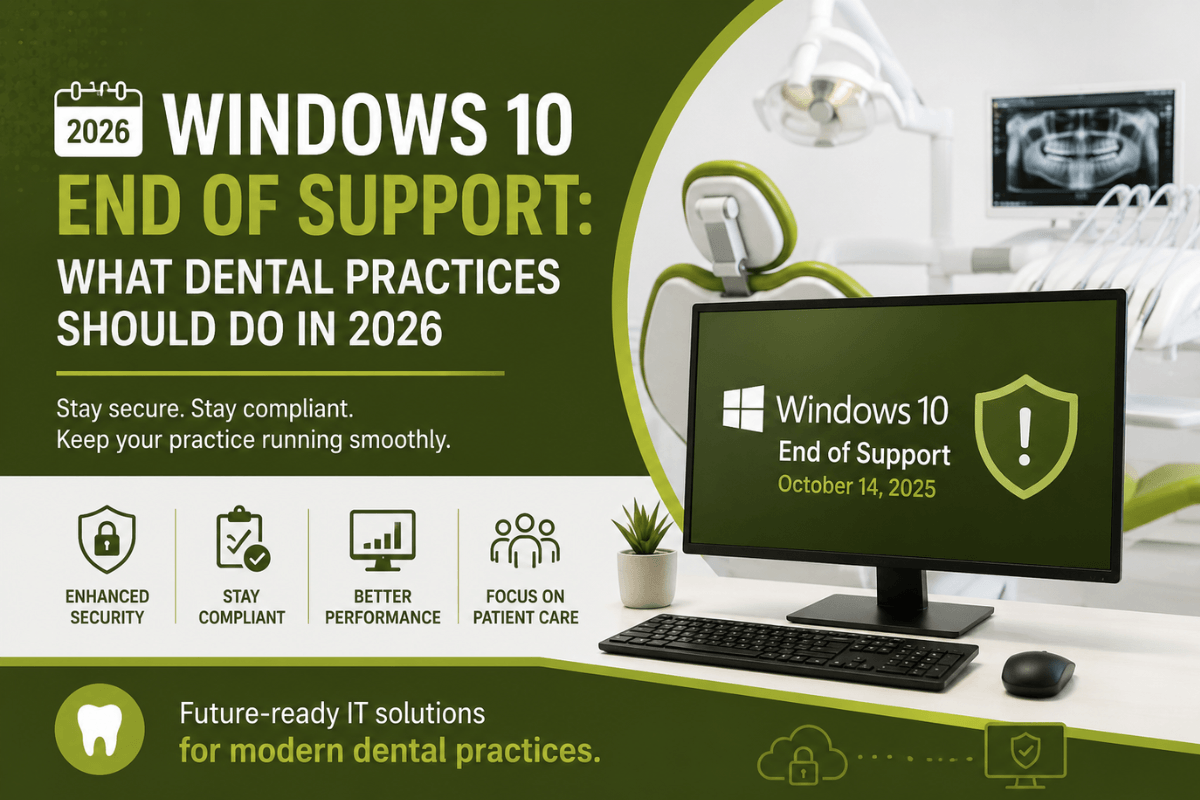

Windows 10 officially reached its End of Support on October 14, 2025. As a result, Microsoft no longer provides free security updates, bug fixes, or technical support for the operating system. While Windows 10 devices continue to function, they are significantly more vulnerable to cyber threats and software compatibility issues.
If your dental practice is still using Windows 10 in 2026, now is the time to act. Delaying an upgrade can increase security risks, affect regulatory compliance, and lead to costly downtime. Fortunately, with the right IT strategy, your practice can transition smoothly to a supported environment.
At MVP IT, we help dental practices across Calgary and Edmonton modernize their IT infrastructure, strengthen cybersecurity, and minimize operational disruptions. In this guide, we’ll explain what Windows 10 End of Support means in 2026 and the practical steps every dental practice should take.
What Does Windows 10 End of Support Mean?
Microsoft officially ended support for Windows 10 on October 14, 2025. Consequently, Windows 10 no longer receives free security patches, feature updates, or technical assistance from Microsoft.
Although your computers may continue running, unsupported operating systems become increasingly attractive targets for cybercriminals. Furthermore, software vendors may gradually stop supporting Windows 10, which can create compatibility issues with dental management applications.
Microsoft also offers Extended Security Updates (ESU) for eligible organizations. However, ESU is a paid, temporary program designed to provide additional time for migration—not a long-term replacement for upgrading to Windows 11 or newer supported systems.
Why Dental Practices Should Upgrade in 2026
Dental clinics depend on secure and reliable technology every day. Therefore, running an unsupported operating system can create unnecessary risks.
Stronger Cybersecurity
Cyberattacks continue to increase across the healthcare sector. Since unsupported operating systems no longer receive security updates, they are easier for attackers to exploit.
Upgrading helps your practice benefit from:
- Ongoing security updates
- Better ransomware protection
- Advanced endpoint security
- Improved system stability
As a result, patient information remains better protected.
Maintain Compliance
Dental practices store confidential patient records, insurance information, and financial data. Consequently, maintaining secure systems is essential for protecting sensitive information and supporting compliance with applicable privacy regulations.
Using supported operating systems also demonstrates a proactive approach to cybersecurity.
Better Performance
Modern operating systems deliver faster performance, improved reliability, and better compatibility with today’s dental software.
Moreover, upgrading your technology helps reduce crashes, slow performance, and unexpected downtime, allowing your staff to focus on patient care.
Signs Your Practice Needs an IT Upgrade
Not every computer requires replacement. Nevertheless, many older Windows 10 devices cannot meet Windows 11 hardware requirements.
Consider upgrading if:
- Your computers are more than five years old.
- Devices run slowly during daily operations.
- Systems frequently freeze or crash.
- Your dental software recommends Windows 11.
- Storage space is nearly full.
- Hardware does not support TPM 2.0 or Secure Boot.
If you’re unsure, MVP IT can assess your existing systems and recommend the most cost-effective solution.
Steps Every Dental Practice Should Take in 2026
1. Perform a Complete IT Assessment
Begin by identifying every workstation, laptop, and server still running Windows 10. Additionally, review network equipment and connected devices.
This assessment creates a clear upgrade roadmap.
2. Check Windows 11 Compatibility
Some computers can upgrade directly, while others require replacement.
Therefore, verifying hardware compatibility before purchasing new equipment helps avoid unnecessary expenses.
3. Review Dental Software Compatibility
Before upgrading, confirm that your dental practice management software, imaging systems, digital X-ray software, and other clinical applications support Windows 11.
Likewise, verify compatibility with any third-party software your team relies on daily.
4. Back Up Critical Data
Before making any major changes, perform a complete backup of patient records, appointment schedules, billing information, digital images, and practice documents.
Reliable backups ensure business continuity if unexpected issues occur during migration.
5. Plan a Smooth Migration
Instead of upgrading during busy office hours, schedule installations during evenings or weekends.
As a result, your staff can continue serving patients with minimal disruption.
How MVP IT Helps Dental Practices
Migrating from Windows 10 doesn’t have to be complicated.
At MVP IT, we provide comprehensive dental IT services designed to keep your practice secure and productive.
Our services include:
- Windows 11 migration planning
- Hardware recommendations
- Managed IT services
- Cybersecurity protection
- Microsoft 365 support
- Secure cloud backups
- Disaster recovery planning
- Network monitoring
- Ongoing technical support
Most importantly, we tailor every solution to meet the unique needs of your dental practice.
Why Choose MVP IT?
Choosing the right IT partner makes all the difference.
With MVP IT, you receive:
- Proactive IT management
- Fast response times
- Local support in Calgary and Edmonton
- Reduced downtime
- Predictable IT costs
- Enhanced cybersecurity
- Scalable technology solutions
Furthermore, our team understands the technology challenges dental clinics face, allowing us to provide reliable support that keeps your practice running efficiently.
Frequently Asked Questions
Is Windows 10 still safe to use in 2026?
Windows 10 still functions, but it no longer receives free security updates from Microsoft. Consequently, it is more vulnerable to cyber threats unless your organization is enrolled in Microsoft’s paid Extended Security Updates (ESU) program.
Can I continue using Windows 10 with ESU?
Yes. Microsoft offers paid Extended Security Updates for eligible customers. However, ESU is a temporary solution and should not replace planning a migration to Windows 11.
Will my existing computers support Windows 11?
Some systems meet Windows 11 requirements, while older devices may require replacement. An IT assessment can determine compatibility.
Why is upgrading important for dental practices?
Upgrading improves cybersecurity, supports software compatibility, enhances performance, and helps reduce the risks associated with unsupported operating systems.
How can MVP IT help?
MVP IT provides Windows 11 migration services, cybersecurity solutions, managed IT support, backups, and ongoing technical assistance specifically for dental practices.
Conclusion
Although Windows 10 officially reached End of Support on October 14, 2025, many dental practices are still using it in 2026. However, continuing to rely on an unsupported operating system increases cybersecurity risks, creates potential software compatibility issues, and may affect the long-term reliability of your IT environment.
Therefore, now is the ideal time to evaluate your technology, upgrade eligible systems, and strengthen your cybersecurity strategy. By acting today, your dental practice can improve security, reduce downtime, and continue delivering excellent patient care.
If you’re looking for trusted dental IT experts in Calgary or Edmonton, MVP IT is here to help. Our experienced team can assess your current infrastructure, recommend the right upgrade strategy, and manage your migration with minimal disruption.
Contact MVP IT today to schedule a professional IT assessment and ensure your dental practice stays secure, efficient, and ready for the future.
MVP IT
Calgary Office
3850 19 St NE Bay 5, Calgary, AB T2E 6V2
Edmonton Office
14065 Victoria Trail NW #211, Edmonton, AB T5Y 2B6
Phone: (587) 585-6871