


Dental practices rely on computers for nearly every aspect of daily operations. From managing patient records and scheduling appointments to processing insurance claims and accessing digital imaging, reliable technology is essential. However, aging computers can eventually slow down workflows, create security risks, and cause unexpected interruptions. Therefore, knowing when and how to replace outdated systems is important for maintaining an efficient dental office.
A professional dental practice PC replacement plan can help your practice avoid unnecessary downtime while ensuring staff have the technology they need. With the right IT support, MVP IT can help dental practices plan, configure, and deploy replacement computers with minimal disruption.
Why Dental Practices Need Reliable Computers
Modern dental offices depend on technology for both clinical and administrative tasks. For example, dental teams may use computers to access electronic patient records, operate practice management software, review digital X-rays, communicate with patients, and handle billing.
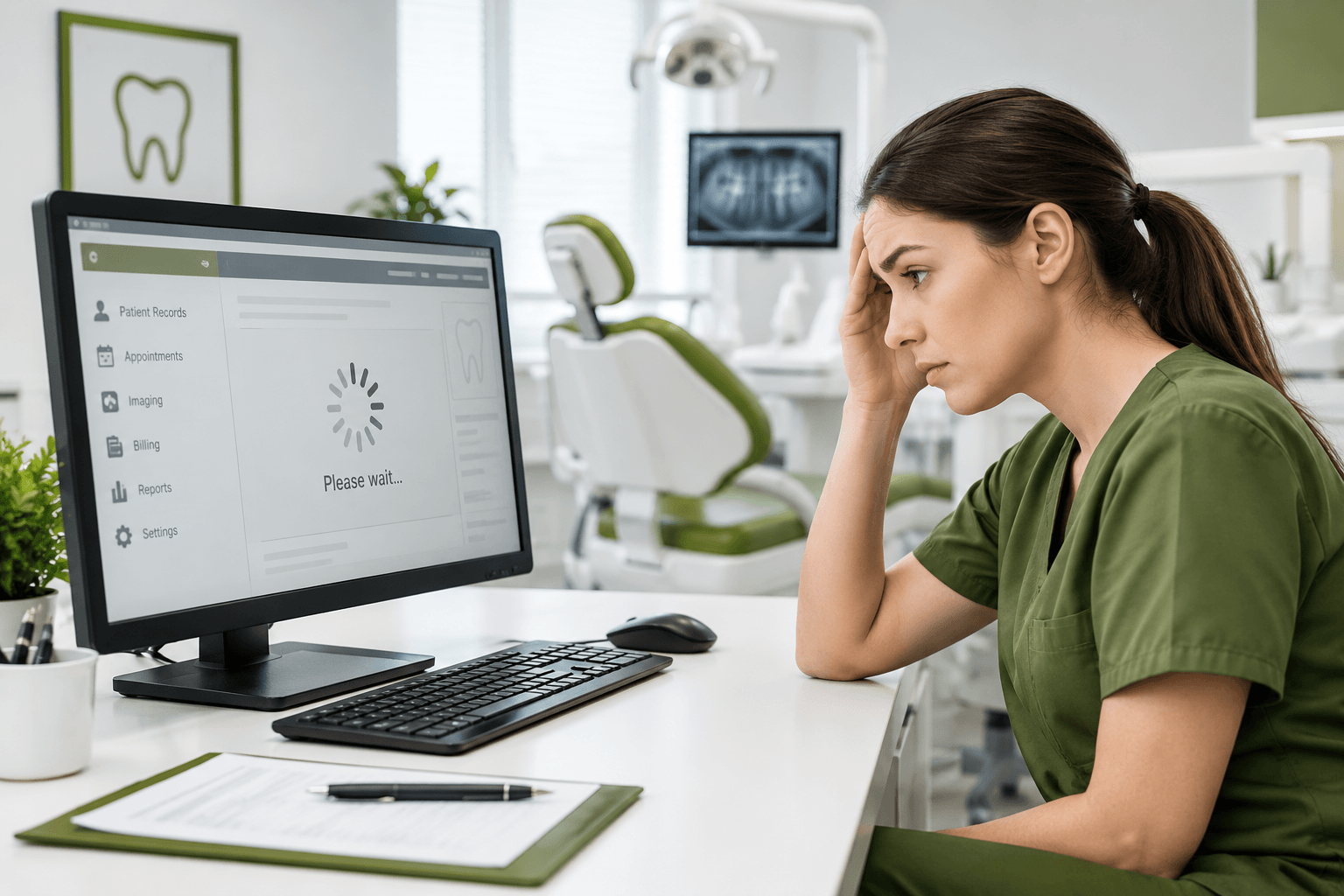
However, older PCs may struggle to run modern applications efficiently. As a result, staff may experience slow loading times, application crashes, or frustrating delays during busy periods.
More importantly, outdated computers can present cybersecurity concerns. Older operating systems and hardware may no longer receive appropriate security updates. Consequently, keeping aging devices in service can expose sensitive patient and business information to unnecessary risks.
Signs It Is Time for a Dental Practice PC Replacement
Knowing when to replace a computer can prevent small technology problems from becoming major disruptions. Look for the following warning signs:
Slow Performance
If computers take a long time to start, open patient records, or launch dental software, the hardware may be reaching the end of its useful life. Furthermore, persistent slowdowns can reduce staff productivity throughout the day.
Frequent Crashes
Repeated freezing, unexpected restarts, and application crashes are additional warning signs. Although occasional software issues can often be resolved, recurring problems may indicate that the computer itself needs replacement.
Security and Compatibility Problems
Technology requirements change over time. Therefore, an older PC may no longer support the latest operating system, security tools, or dental applications. This can create both operational and security challenges.
Hardware Failures
Failing hard drives, damaged ports, noisy fans, or unreliable power supplies should not be ignored. In addition, hardware failure can result in lost access to important applications and data if proper backups are not maintained.
Planning a Dental Practice PC Replacement
Replacing computers across a dental office requires more than simply purchasing new devices. Instead, practices should consider their software, workflows, security requirements, and future technology needs.
First, identify which computers need immediate replacement and which can remain in service. Next, review the hardware requirements of your dental practice management, imaging, and communication software. After that, choose systems that provide enough performance for current workloads while allowing room for future growth.
It is also important to maintain consistent configurations. Standardizing hardware and software can make troubleshooting easier and simplify future upgrades.
Minimize Downtime During PC Replacement
Dental offices cannot always afford lengthy technology interruptions. For this reason, a carefully planned deployment is essential.
MVP IT can help organize the replacement process around your practice schedule. For example, computers can be configured before installation, user accounts and applications can be prepared in advance, and important files can be securely transferred where appropriate.
Additionally, testing each system before staff begin using it helps identify compatibility or configuration problems early. As a result, employees can return to their normal workflows with fewer interruptions.
Protect Patient Data During the Replacement Process
Dental practices handle sensitive information, so security should remain a priority throughout a computer replacement project. Before replacing a device, important business and patient-related data should be backed up according to the practice’s policies and applicable requirements.
Likewise, new computers should be configured with appropriate security controls, updates, access permissions, and endpoint protection. Furthermore, old devices should be properly retired rather than simply discarded. Secure data removal helps reduce the possibility of unauthorized access to information stored on retired hardware.
Why Choose MVP IT for Dental IT Support?
Choosing the right IT partner can make a dental practice PC replacement project significantly easier. MVP IT provides technology support designed to help businesses maintain dependable and secure IT environments.
From evaluating aging computers to preparing replacement systems, MVP IT can help practices approach technology upgrades systematically. Moreover, professional IT support can help reduce downtime and provide ongoing assistance after installation.
With offices serving clients from 3850 19 St NE, Bay 5, Calgary, AB T2E 6V2, and 14065 Victoria Trail NW #211, Edmonton, AB T5Y 2B6, MVP IT is positioned to support dental practices across Calgary and Edmonton.
Frequently Asked Questions
How often should a dental practice replace its computers?
The appropriate replacement schedule depends on hardware age, performance, software requirements, security support, and the practice’s budget. Generally, businesses should monitor aging systems proactively instead of waiting for a critical failure.
What should I consider when replacing dental office computers?
Consider processor performance, memory, storage, operating system compatibility, software requirements, security features, warranty coverage, and future expansion needs. In addition, confirm compatibility with dental imaging and practice management systems.
Can MVP IT help reduce downtime during PC replacement?
Yes. MVP IT can help plan the deployment, prepare replacement computers, configure software, transfer appropriate data, and test systems before they are placed into daily use.
What should happen to old dental office computers?
Old computers should be securely retired. Before disposal or recycling, business and patient-related information should be removed using appropriate data-erasure procedures.
Does a dental practice need ongoing IT support?
Ongoing IT support can help practices address technical issues, maintain security, manage updates, and plan future technology improvements. Consequently, having a reliable IT partner can help keep daily operations running smoothly.
Conclusion
A well-planned dental practice PC replacement can improve performance, strengthen security, and reduce technology-related disruptions. Rather than waiting for an aging computer to fail during a busy day, dental practices can take a proactive approach to hardware upgrades.
MVP IT can help your dental practice evaluate outdated systems, plan replacements, configure new computers, and maintain a reliable IT environment. Contact MVP IT at (587) 585-6871to discuss reliable dental IT services and plan your next technology upgrade.