

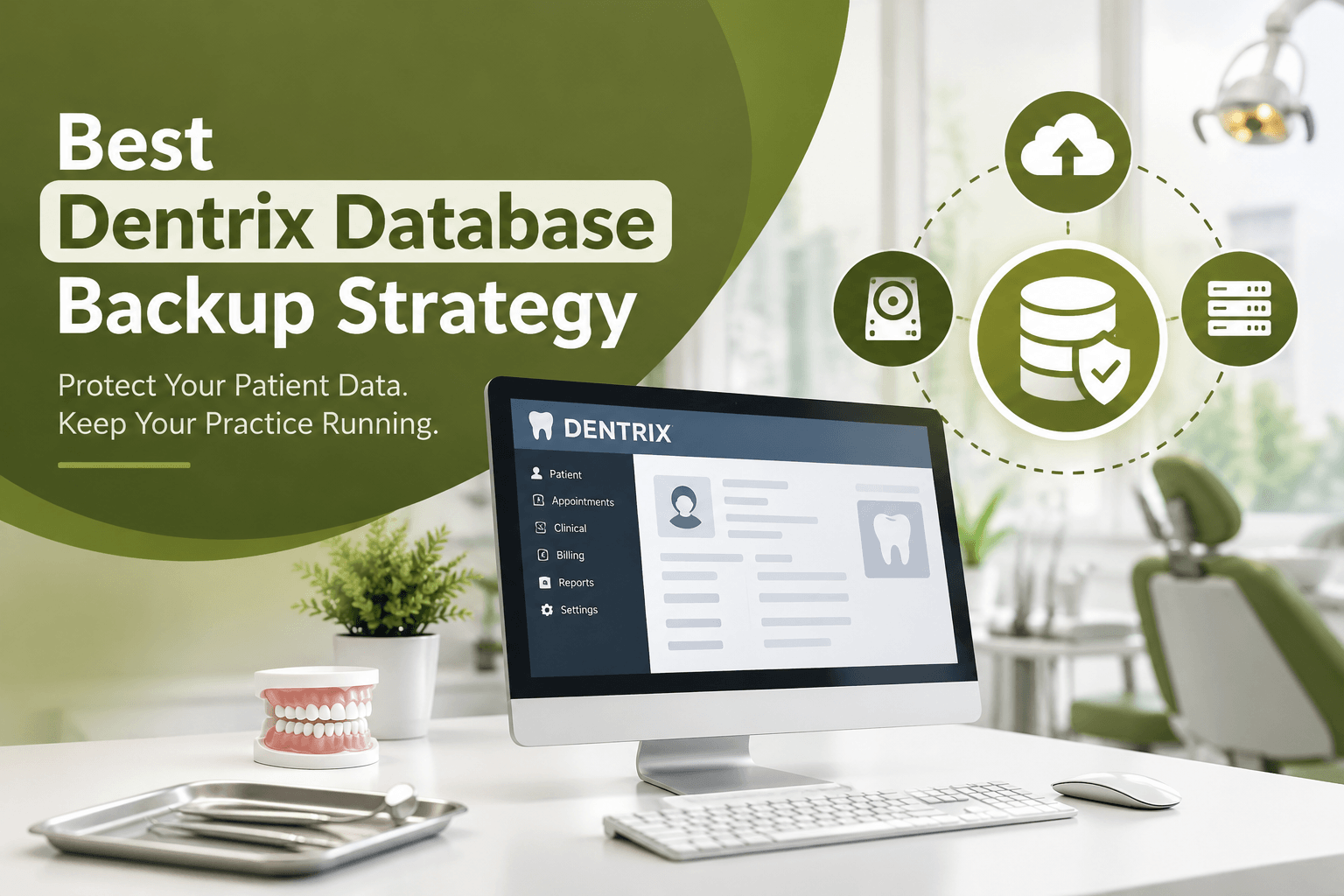

Dental practices rely heavily on Dentrix to manage patient records, appointments, billing, treatment plans, and other essential information. Therefore, protecting your Dentrix database should be a major part of your practice’s IT strategy. A reliable Dentrix database backup strategy can help prevent costly data loss caused by hardware failure, ransomware, accidental deletion, software issues, or unexpected disasters.
However, simply creating occasional backups is not enough. Instead, dental practices need a structured backup approach that protects critical data, provides multiple recovery options, and regularly verifies that backups actually work. With professional dental IT support from MVP IT, Calgary and Edmonton dental practices can build a dependable backup and recovery system designed around their specific needs.
Why Dentrix Database Backups Are Essential
Dentrix contains valuable and sensitive information that your dental practice depends on every day. Consequently, losing access to your database can interrupt appointments, billing, patient communication, and clinical workflows.
For example, a failed server or ransomware attack could prevent staff from accessing important patient information. Furthermore, restoring a database from an outdated or corrupted backup could result in significant data loss.
That is why a proper backup strategy should focus on both data protection and fast recovery. In other words, your practice needs backups that are secure, current, accessible, and tested regularly.
What Makes a Good Dentrix Database Backup Strategy?
A strong backup plan should include several layers of protection rather than relying on a single backup location.
1. Use Automated Daily Backups
First, Dentrix data should be backed up automatically on a consistent schedule. Automated backups reduce the risk of human error because staff members do not have to remember to start the process manually.
Ideally, backups should occur frequently enough to minimize potential data loss. Depending on your practice environment, an IT professional can help determine an appropriate backup schedule.
2. Follow the 3-2-1 Backup Approach
Next, dental practices should consider the 3-2-1 backup strategy. This approach recommends maintaining at least three copies of important data, using two different types of storage, with at least one copy stored off-site.
For a dental practice, this could mean keeping a primary Dentrix database, a local backup, and a secure cloud or off-site backup. As a result, a single hardware failure, theft, or local disaster is less likely to eliminate every copy of your data.
3. Keep an Off-Site or Cloud Backup
In addition, an off-site backup provides another layer of protection. If your dental office experiences a fire, flood, theft, or major server failure, locally stored backups may also become unavailable.
Secure cloud or off-site backups can therefore provide an important recovery option. Moreover, professional IT providers such as MVP IT can help dental practices select backup solutions that align with their operational and security requirements.
4. Encrypt and Secure Backup Data
Because dental databases contain sensitive patient information, backups must be protected just as carefully as the original data.
For this reason, encryption, access controls, strong authentication, and secure storage should be part of your backup strategy. Additionally, backup systems should be protected against unauthorized access and ransomware.
A backup that can easily be accessed or deleted by an attacker may not provide meaningful protection.
5. Test Your Backups Regularly
Having a backup does not automatically mean you can successfully restore your Dentrix database. Therefore, regular backup testing is essential.
During testing, IT professionals can verify whether files are complete, readable, and recoverable. Furthermore, restoration testing can identify configuration problems before an actual emergency occurs.
At MVP IT, backup monitoring and recovery planning can be incorporated into a broader dental IT strategy, helping practices prepare for unexpected technology failures.
Protect Dentrix With a Complete Disaster Recovery Plan
A reliable backup strategy should be part of a larger disaster recovery plan. While backups protect your data, recovery procedures determine how quickly your practice can return to normal operations.
For instance, your plan should identify who is responsible for contacting IT support, where backups are stored, how systems will be restored, and how staff should operate during downtime. Consequently, your team can respond more efficiently when an incident occurs.
Additionally, regular reviews are important because your practice’s technology needs can change as you add computers, servers, software, or additional locations.
Common Dentrix Backup Mistakes to Avoid
Even well-managed dental practices can make backup mistakes. For example, relying only on a USB drive or a single local server creates a significant single point of failure.
Similarly, manually copying files without verification can result in incomplete or unusable backups. Another common mistake is never testing restoration procedures.
Instead, practices should use automated, monitored, secure, and regularly tested backup solutions. That way, your Dentrix data has multiple layers of protection.
FAQ About Dentrix Database Backups
How often should a Dentrix database be backed up?
Dentrix data should be backed up regularly, preferably through an automated process. The ideal frequency depends on the practice’s size, workflow, and acceptable level of potential data loss.
Should dental practices keep backups off-site?
Yes. An off-site or secure cloud backup provides additional protection if the dental office experiences hardware failure, theft, fire, flooding, or another local disaster.
Are Dentrix backups protected from ransomware?
A properly designed backup system can help reduce ransomware-related data loss. However, backups should be isolated, secured, access-controlled, and regularly tested to improve their resilience.
Why should Dentrix backups be tested?
Testing confirms that backups can actually be restored. Without regular testing, a practice may discover that a backup is incomplete or corrupted only after an emergency occurs.
Can MVP IT help with dental backup solutions?
Yes. MVP IT provides professional IT services for dental practices and can help assess backup, security, monitoring, and disaster recovery requirements.
Protect Your Dentrix Data With MVP IT
Your Dentrix database is too important to leave its protection to chance. By combining automated backups, multiple storage locations, secure off-site copies, encryption, monitoring, and regular recovery testing, your practice can significantly improve its data protection and business continuity.
Most importantly, a professional Dentrix database backup strategy should be designed around your practice rather than treated as a one-size-fits-all solution.
If you need dependable dental IT services in Calgary or Edmonton, contact MVP IT today. Our team can help your dental practice develop a secure backup and IT strategy designed to keep your systems and critical data protected.
MVP IT
3850 19 St NE, Bay 5, Calgary, AB T2E 6V2
14065 Victoria Trail NW #211, Edmonton, AB T5Y 2B6
Phone: (587) 585-6871