


Introduction
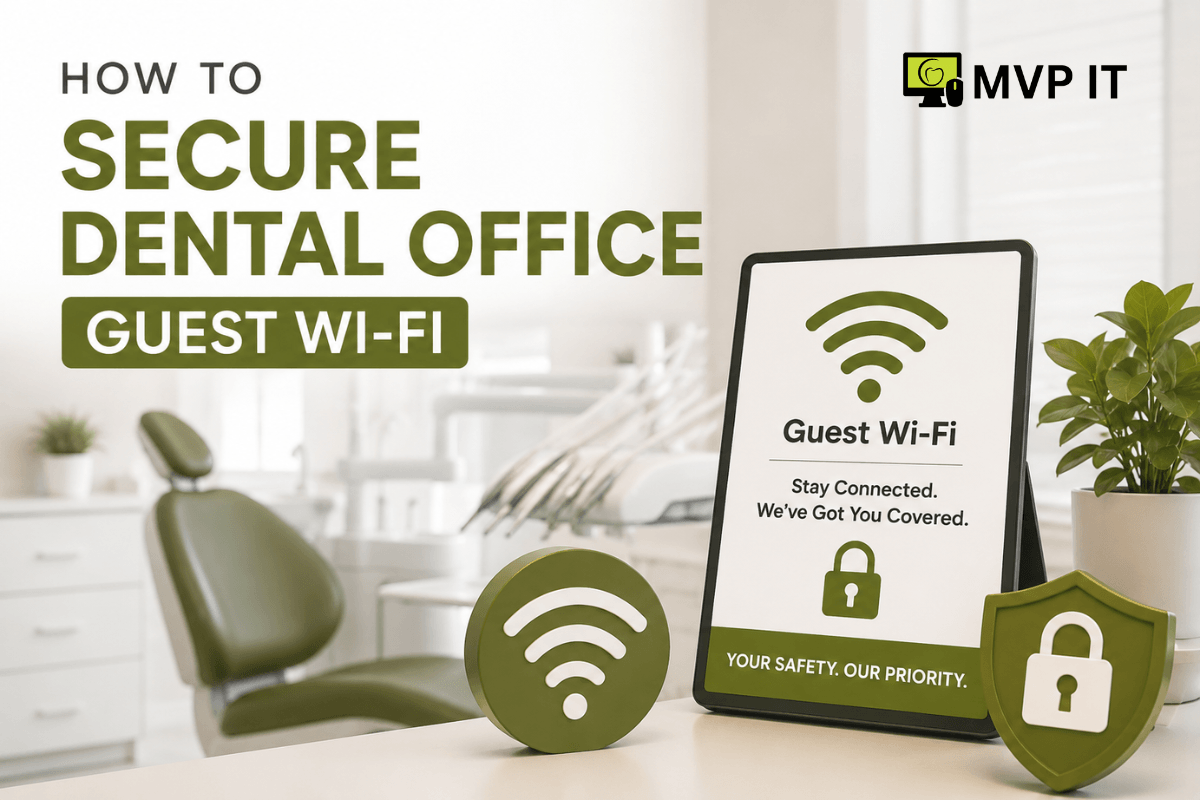
Providing guest Wi-Fi has become an expected convenience in modern dental practices. Patients often use their smartphones while waiting, complete online forms, check emails, or communicate with family members. However, an unsecured guest network can create serious cybersecurity risks for a dental office. If guest devices can access internal systems, attackers may gain a pathway toward sensitive patient information, business applications, and connected medical technology.
Fortunately, dental practices can offer reliable internet access without compromising security. By separating guest traffic, strengthening wireless controls, and monitoring network activity, offices can create a safer experience for everyone. With support from MVP IT, dental practices can also build a secure network environment that supports both patient convenience and regulatory expectations.
Why Dental Office Guest Wi-Fi Security Matters
Dental offices handle highly sensitive information, including patient records, insurance details, payment information, and personal contact data. Consequently, cybersecurity should extend beyond computers and electronic health record systems.
Guest devices are especially important because the practice has little control over them. Patients may connect older phones, laptops, or tablets that contain outdated software or malware. Likewise, visitors may accidentally download malicious files or connect to compromised websites.
Therefore, the guest network should never provide direct access to systems used by dental staff. Proper network segmentation creates a protective barrier between public internet access and critical business resources.
How to Secure Dental Office Guest Wi-Fi
1. Create a Separate Guest Network
First and foremost, create a dedicated wireless network specifically for patients and visitors. This network should operate separately from the network used by dental staff, workstations, servers, printers, and other business devices.
Network segmentation ensures that even if a guest device becomes compromised, the threat has fewer opportunities to reach sensitive systems. MVP IT can help dental practices configure separate networks using VLANs, firewalls, and appropriate access controls.
2. Use Strong Wi-Fi Encryption
Next, use modern wireless security protocols, such as WPA3, whenever compatible with your equipment. If WPA3 is not available, WPA2 with strong encryption is a better alternative than older security standards.
In addition, avoid using easily guessed passwords. A strong guest Wi-Fi password should be difficult to predict and should be changed periodically. For greater convenience, businesses can use a managed guest portal that provides controlled access without exposing internal credentials.
3. Keep Guest Access Isolated
Simply creating a second Wi-Fi name is not always enough. The guest network must also be configured so connected devices cannot communicate with internal business systems.
For example, guest users should not be able to access dental practice servers, staff computers, network printers, security systems, or administrative interfaces. Furthermore, client isolation can prevent guest devices from communicating directly with one another.
This approach significantly reduces the potential impact of a compromised device.
4. Install and Configure a Business-Grade Firewall
A properly configured firewall provides another important layer of protection. It can control traffic between the guest network, internal systems, and the public internet.
Additionally, a business-grade firewall can help block suspicious connections, restrict unwanted services, and provide visibility into network activity. Rather than relying on consumer-grade networking equipment, dental offices should consider solutions designed for professional environments.
MVP IT can assess your existing infrastructure and recommend firewall and network security measures based on your practice’s needs.
5. Update Wireless Equipment Regularly
Technology changes constantly, and so do cybersecurity threats. For that reason, routers, wireless access points, firewalls, and other network equipment should receive firmware and security updates regularly.
Outdated equipment can contain vulnerabilities that attackers may exploit. Meanwhile, unsupported devices may no longer receive essential security patches. Establishing a regular maintenance schedule helps keep the entire wireless environment more resilient.
6. Monitor and Manage Guest Network Activity
Security does not end after the guest network is configured. Instead, dental practices should monitor network performance and unusual activity.
Managed IT services can help identify suspicious traffic, connectivity problems, unauthorized access attempts, and outdated equipment. Moreover, monitoring provides useful insight into how the guest network is being used.
A managed approach also allows potential problems to be addressed before they become major disruptions.
Common Mistakes to Avoid
Several seemingly convenient practices can weaken dental office guest Wi-Fi security. For instance, using the same Wi-Fi password for staff and patients creates unnecessary exposure. Similarly, allowing guest devices to access shared printers or internal file servers can undermine network separation.
Another common mistake is installing networking equipment and leaving it unmanaged. Even a well-designed network can become vulnerable when passwords, firmware, firewall rules, and configurations are never reviewed.
Instead, dental practices should establish clear wireless security policies and review them regularly.
FAQ: Dental Office Guest Wi-Fi
Is guest Wi-Fi safe for dental offices?
Yes. When properly configured, guest Wi-Fi can provide convenient internet access while keeping patient-facing devices separated from sensitive business systems.
Should dental offices use a separate Wi-Fi network for patients?
Absolutely. A dedicated guest network helps prevent visitors and their devices from accessing internal dental office resources.
How often should guest Wi-Fi passwords be changed?
The frequency depends on the practice’s security policy. However, changing credentials periodically and immediately when unauthorized access is suspected is a sensible practice.
Can MVP IT secure an existing dental office network?
Yes. MVP IT can assess your current network, identify vulnerabilities, and implement practical security improvements for your dental practice.
Conclusion
Secure dental office guest Wi-Fi is an important part of a broader cybersecurity strategy. By separating guest traffic, using strong encryption, maintaining business-grade firewalls, updating equipment, and monitoring network activity, dental practices can provide convenient internet access without unnecessarily exposing sensitive systems.
Most importantly, professional IT management can make these protections easier to maintain over time. MVP IT provides reliable dental IT services designed to help practices strengthen cybersecurity, improve network performance, and reduce technology-related risks.
Ready to improve your dental office network? Contact MVP IT at (587) 585-6871 or visit one of our Calgary or Edmonton locations to discuss secure, dependable IT solutions for your dental practice.